


Dub video scenes with your own voice.
Trailer
Screenshots
In motion
How a session works
-
1. Pick a scene
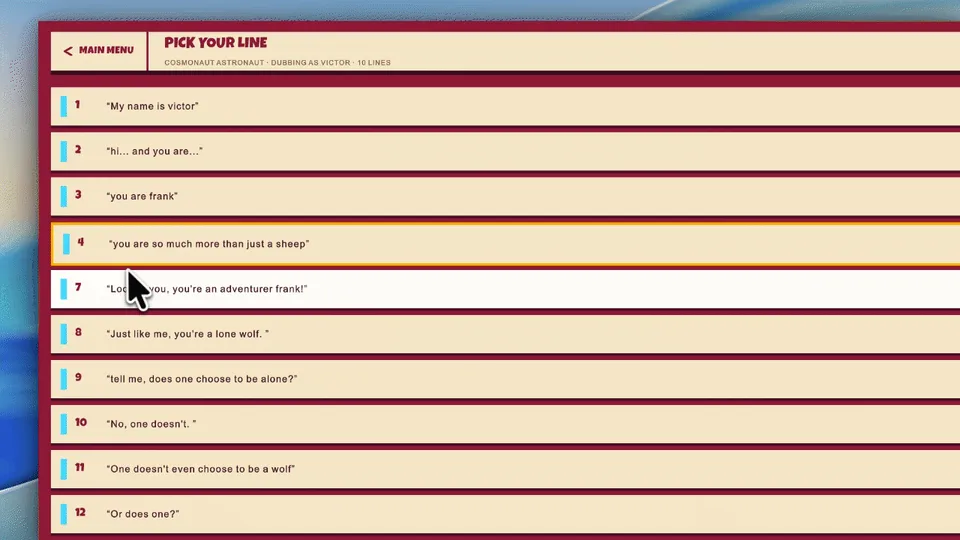
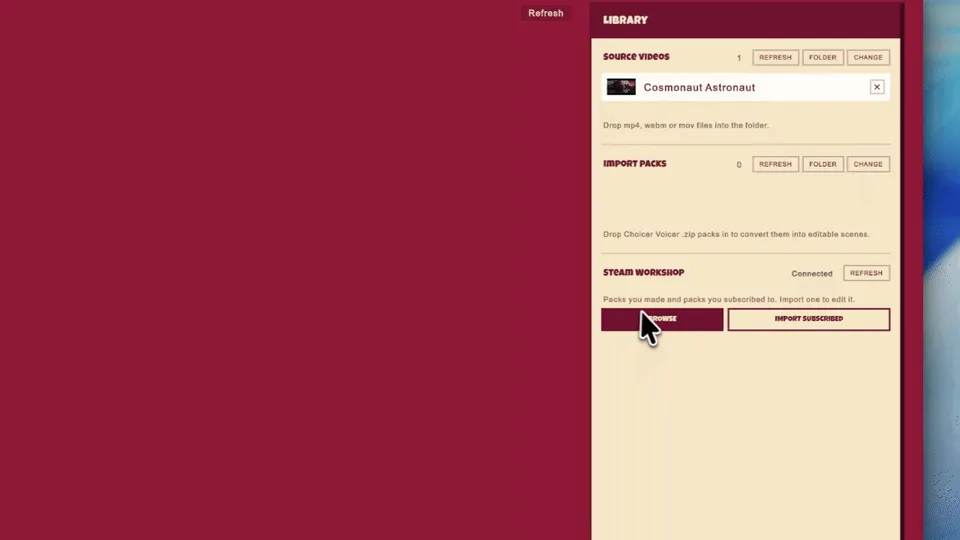
Choose a clip to dub. Install scene packs from the Steam Workshop, or make your own in Clip Studio.
-
2. Cast it
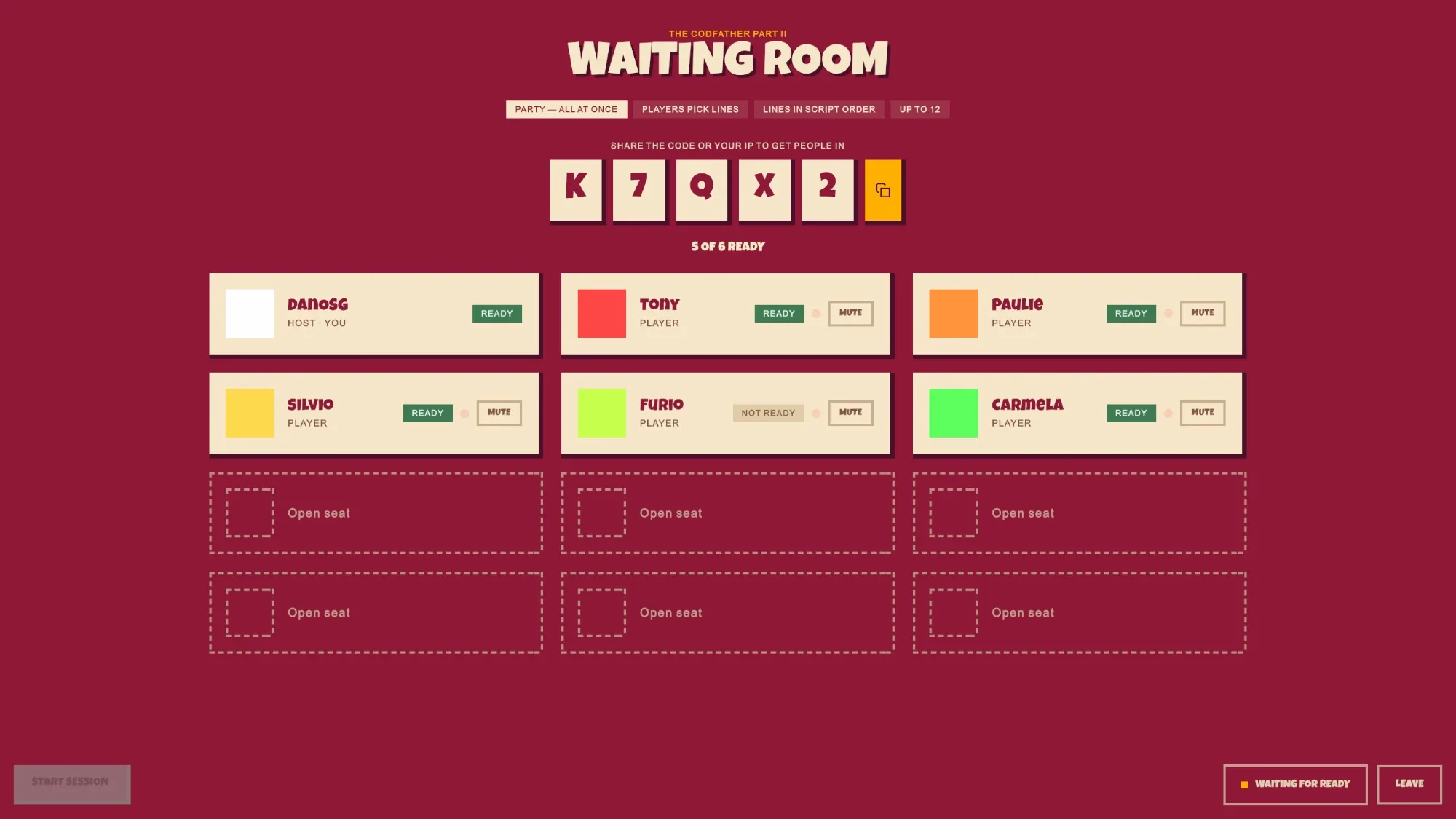
Each player claims a character, one person casts everybody, or you pass the mic and take a line each.
-
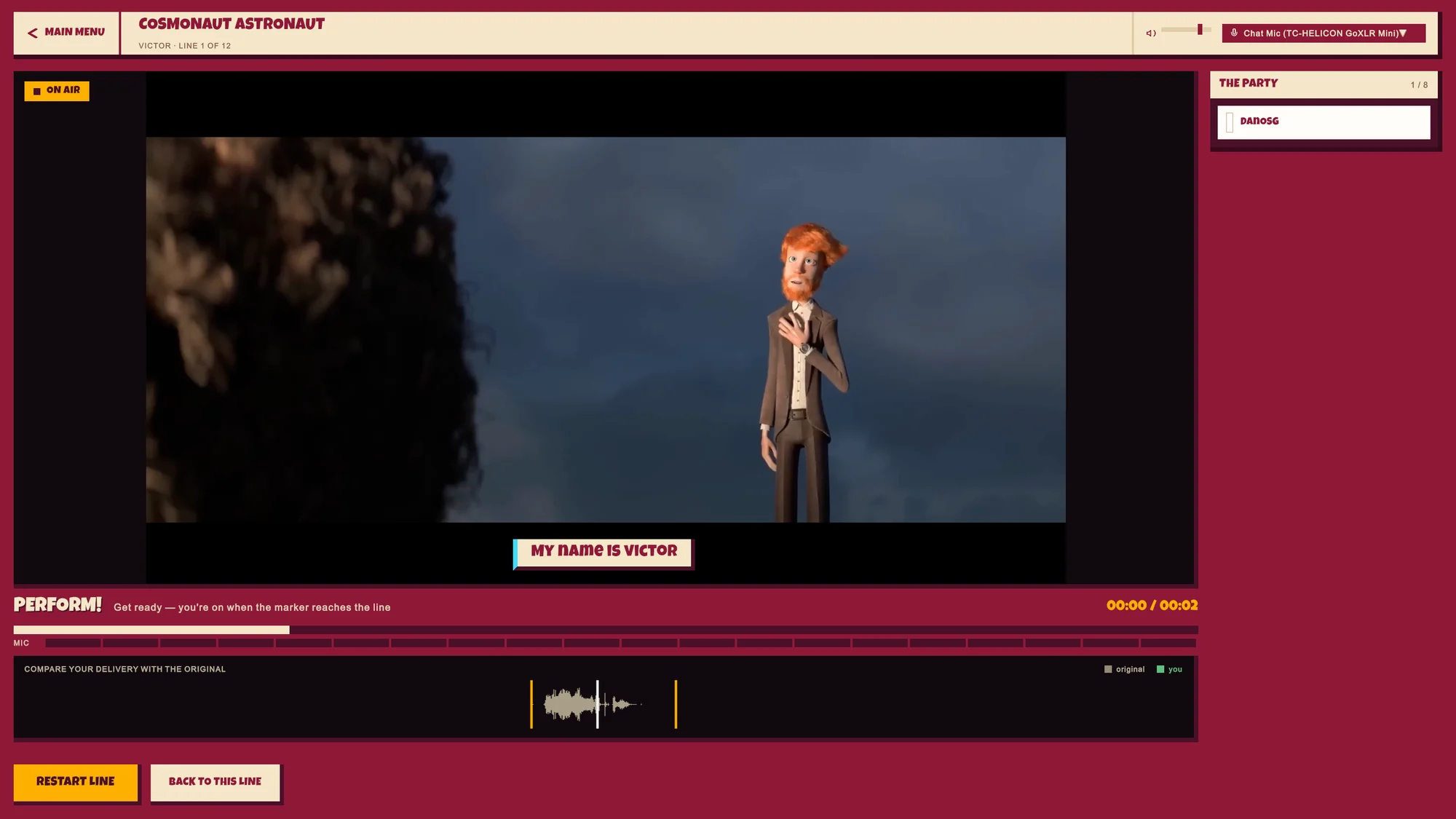
3. Perform
Hear the original line, then record your take as the marker reaches it. Missed it? Go again.
-
4. Watch it back
Play the finished dub with everyone’s voices in place. The game grades each take, or the room votes for a winner.
Make your own scenes
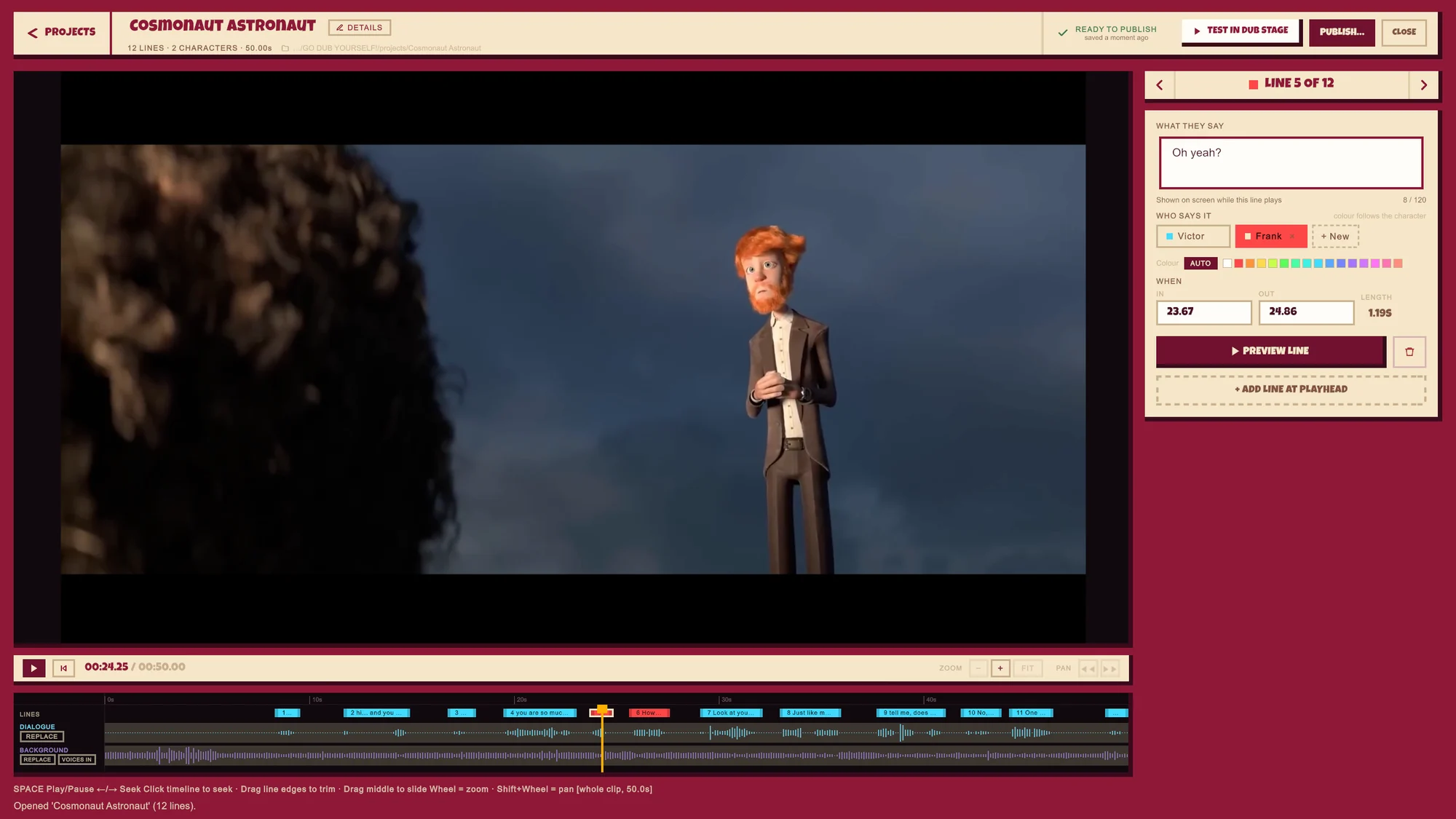
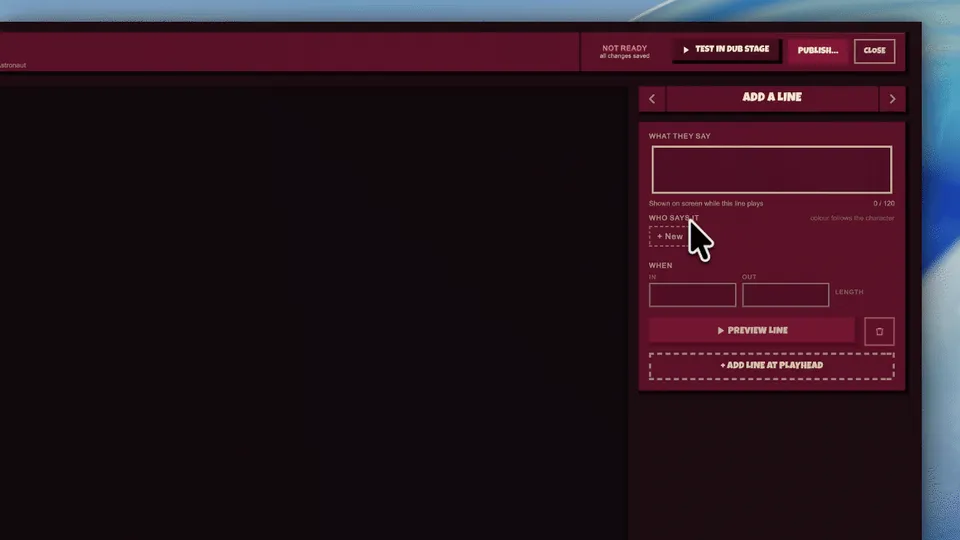
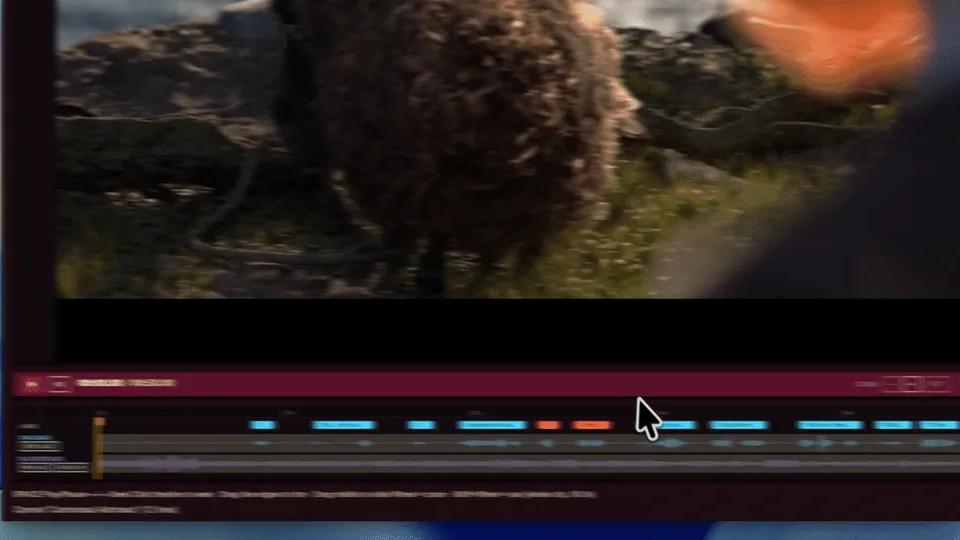
Got a clip you want to dub? Drop it into the Dialogue Splitter. It takes the voices out of the video and gives you them on their own, ready for Clip Studio. It's free and runs on your computer.

Ways to play
- Local co-op
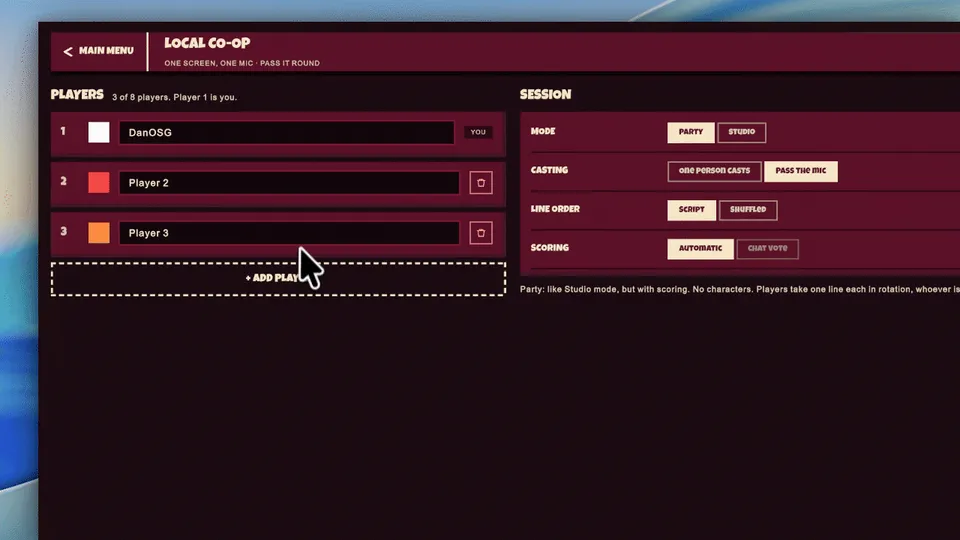
- Everyone on one machine, taking turns at the mic.
- Online
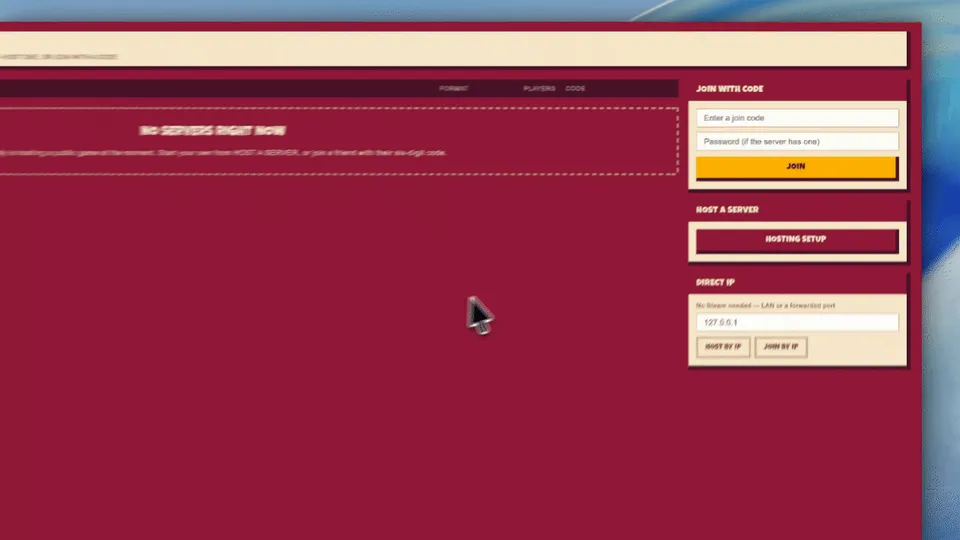
- Host or join through Steam lobbies and join codes, or connect by IP address.
- Studio
- One performer at a time, in order, like a real dubbing session.
- Party
- Everyone performs, then the game scores the takes or the room votes for a winner.
- Clip Studio
- Turn your own videos into scenes and publish them to the Steam Workshop.
- For streamers
- Connect your Twitch or YouTube chat so viewers can vote too.
- Export
- Save the finished dub as an MP4, with subtitles if you want them.
Questions
-
When does GO DUB YOURSELF! come out?
Very soon, on Steam for PC (Windows). Wishlist it now and Steam will tell you the moment it’s out.
-
How much does it cost?
$4.99 (USD).
-
How many people can play?
Play on your own, with up to 8 people on one machine passing the mic round, or with up to 12 people online.
-
Do I need a microphone?
Yes. Every performance is recorded, so you need a mic. In local co-op, one mic is enough: players take turns.
-
Can I play online with friends?
Yes. Host through a Steam lobby and share a join code, or connect by direct IP. There’s no port forwarding to set up, and voice chat is built in.
-
How is a dub scored?
The game can grade each take automatically, or the players vote for the best one. Streamers can connect their Twitch or YouTube chat so viewers get a vote too.
-
Can I dub my own videos?
Yes. Clip Studio turns your own videos into scenes: add the lines, choose who says them, and publish the pack to the Steam Workshop. You can also install packs other players have made, and convert Choicer Voicer packs. To take the voices out of a clip first, use the free Dialogue Splitter.
-
Can I save and share my dubs?
Yes. Export a finished dub as an MP4, with the subtitles burned in if you want them.
Details
- Coming very soon
- PC (Windows)
- Single player
- Local co-op, up to 8
- Online, up to 12
- Microphone needed
- $4.99
- On Steam
Developed and published by Nightcap Interactive. Writing about the game? See the press kit.
Coming from The Choicer Voicer? Is Choicer Voicer on Steam? · Movie dubbing games for PC